
In class, Professor Cutting talked about pixels and bits which were both fairly familiar vocabulary to me. However in class, I was introduced to GIMP which is a free image manipulation program. In GIMP, there were many things image filters that I ended up playing with… hence the images of the same ‘flower.jpg’ that I filtered and changed. The original image was taken off of Google just because I thought it was aesthetically pleasing. The color filter was used to enhance certain hues which is why it looks more blue. I included the wave filter image because I thought it looked cool.
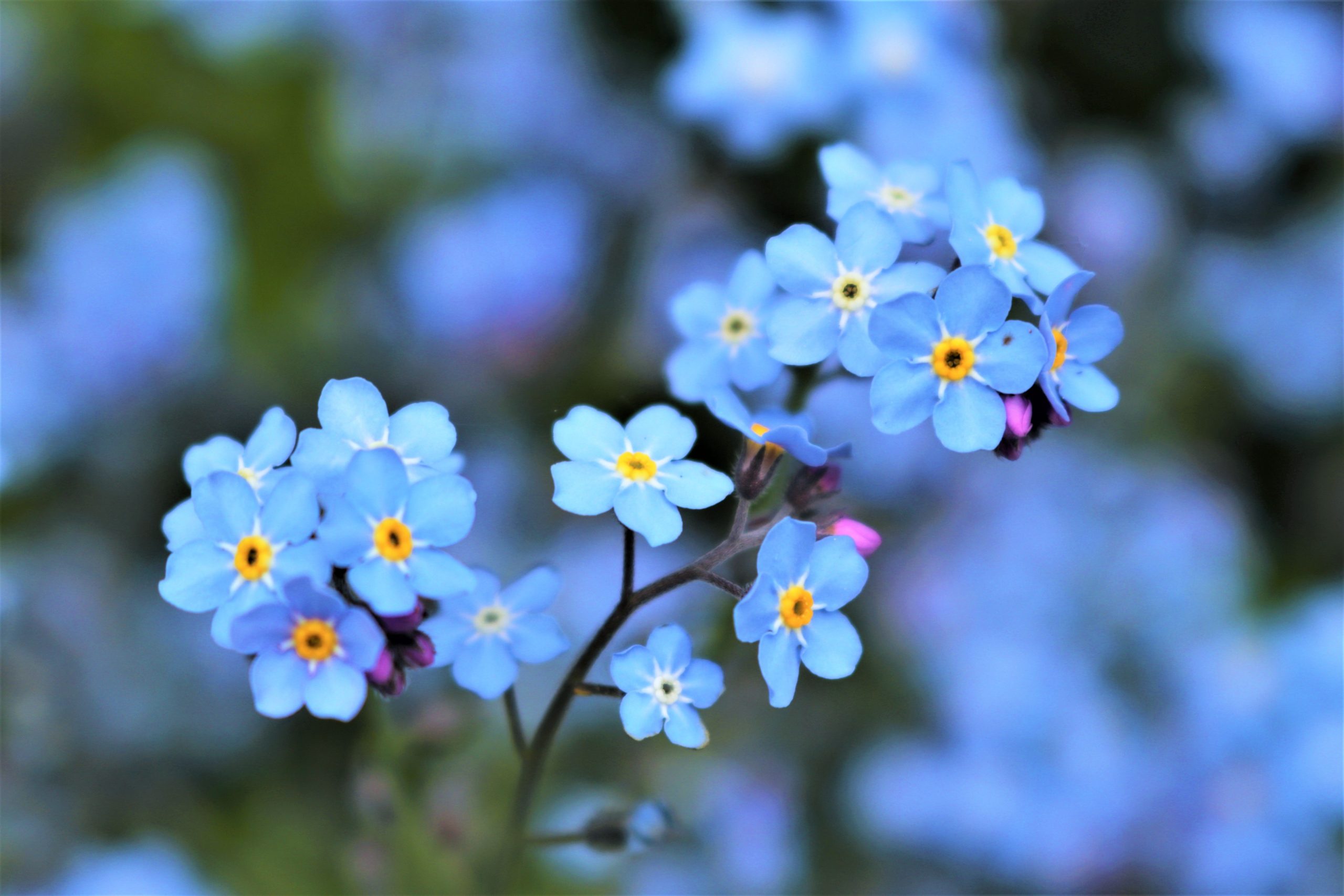
Original
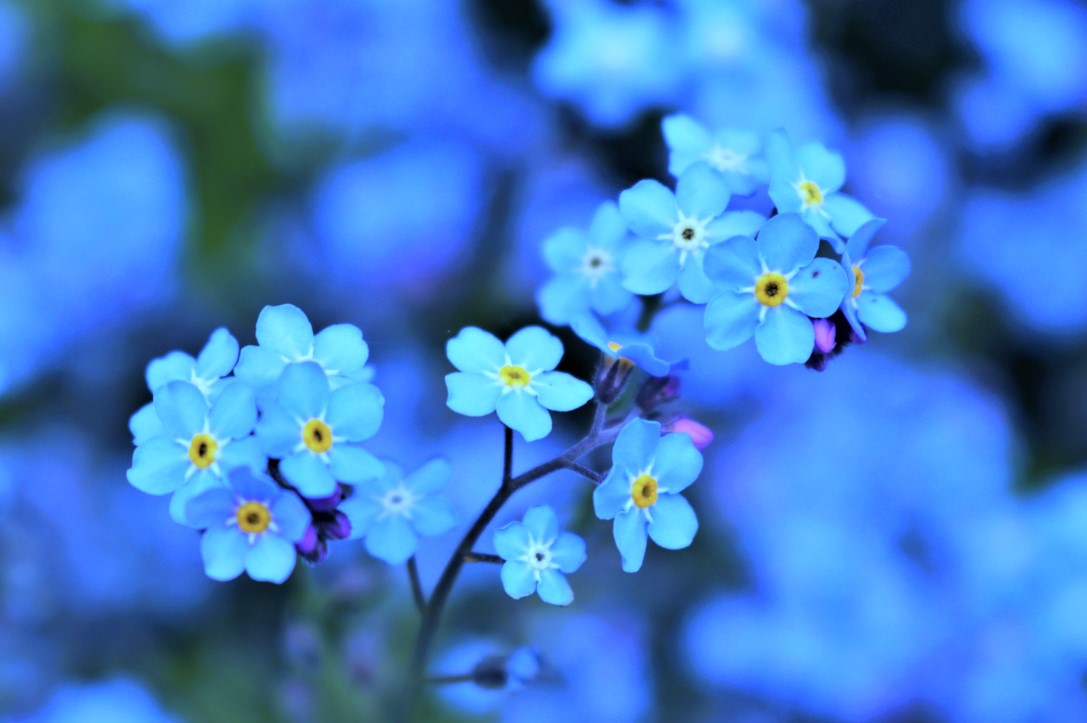
Color Filter
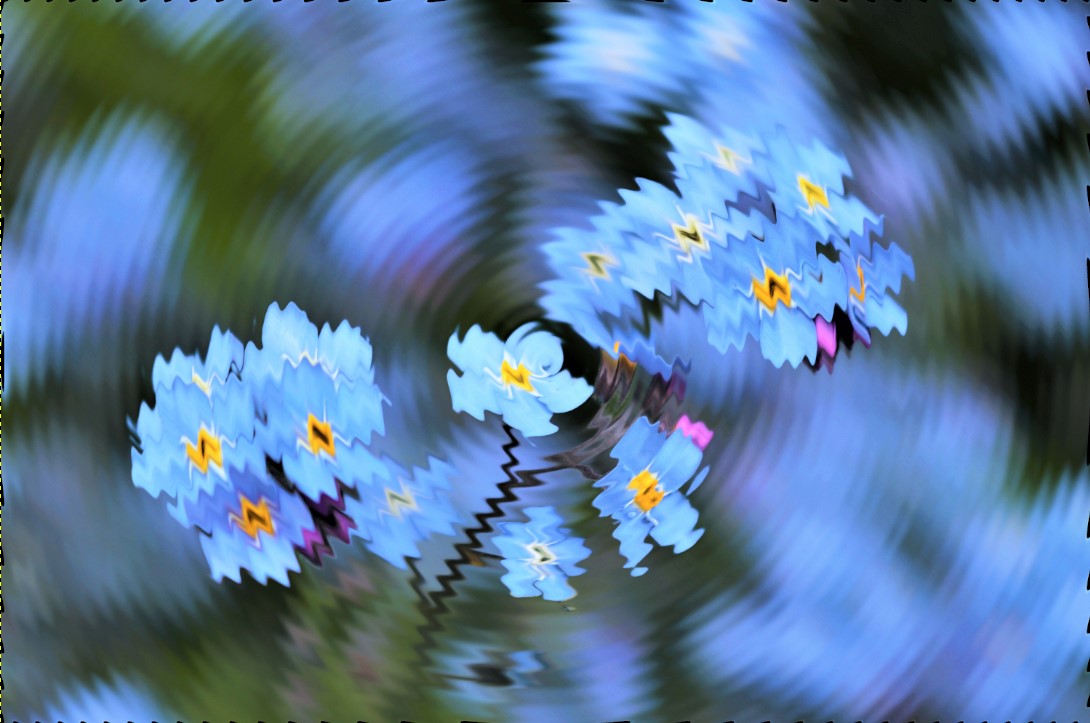
Wave Filter
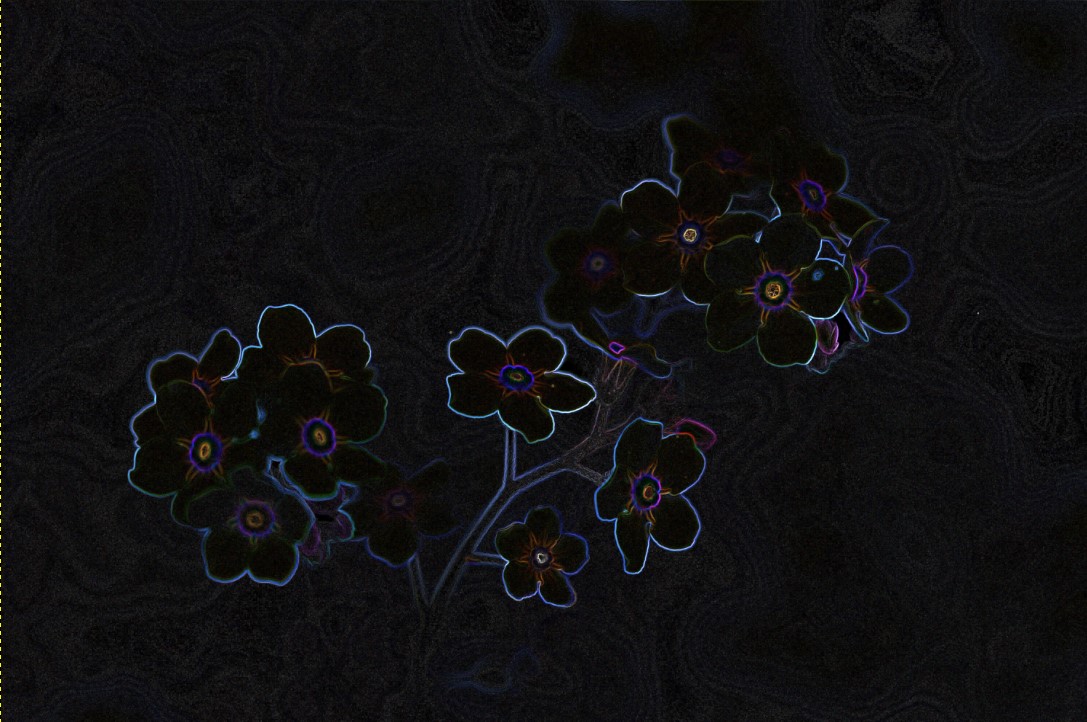
Edge Filter
I happened to make a massive connection during class… I did something very very very very very similar in one of my electrical engineering classes. The class was called “Digital System Processing” where we coded our own image filters using MATLAB (a programming platform used by engineers and, I’m sure, other disciplines). I remember creating filters to greyscale an image. This is when we turn a colored image into a black/grey/white image based on the intensity of the color on that pixel, shown below. Another filter that I created using MATLAB was an edge filter. If I remember correctly… within the code, an “edge” is detected when a 5 by 5 matrix’s values are not within the range of the central intensity value. I can’t seem to recall how the central intensity value was determined… some simple math was done but it’s been a couple of years. But notice how the flower picture using GIMP is similar to the tree picture using my MATLAB code! Pretty cool connection!
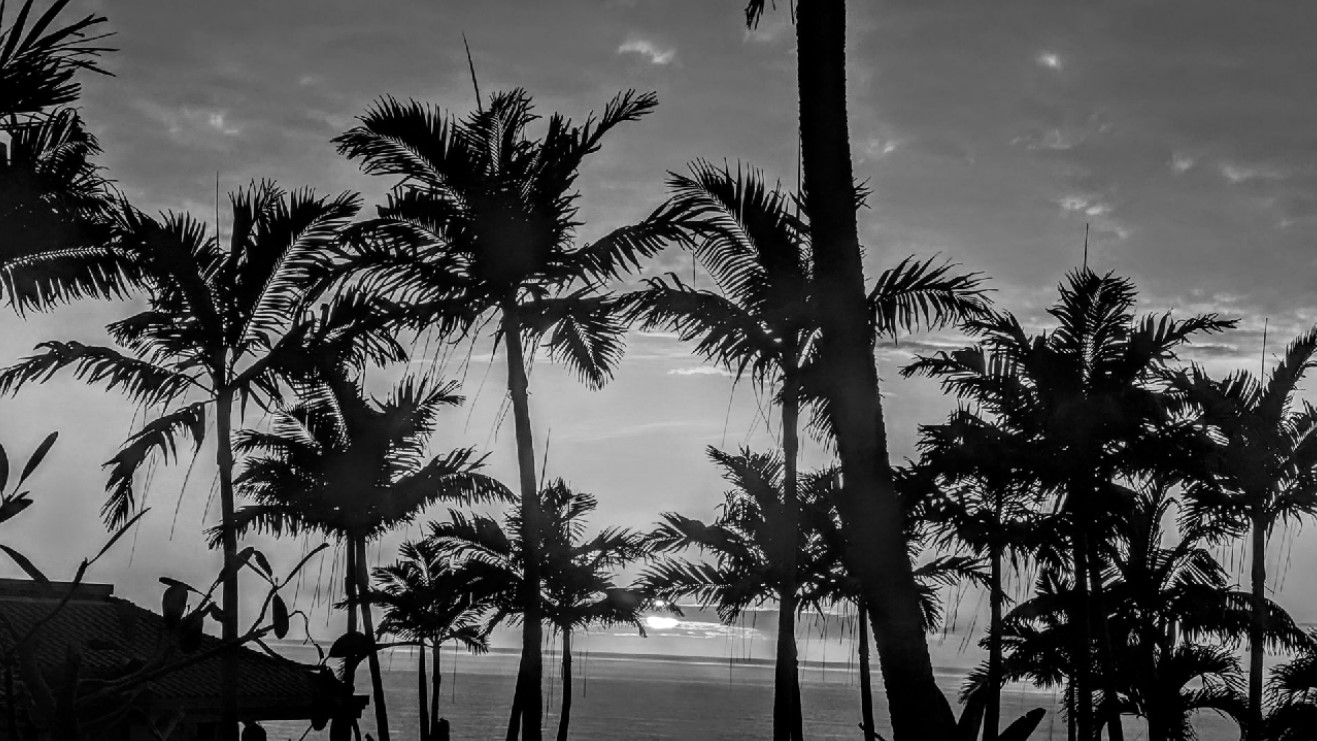
Greyscale using MATLAB
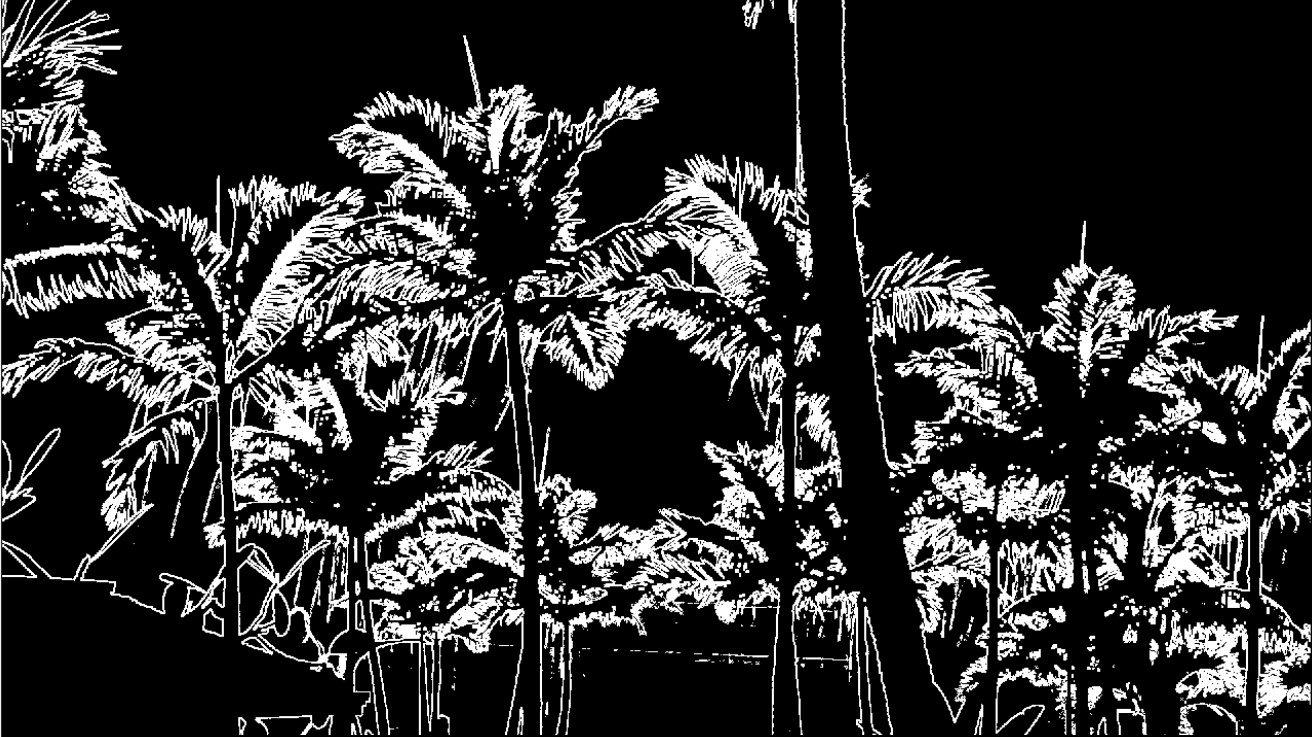
Greyscale and Edge using MATLAB